Features
Add gifts from any store, share one link and see who picked each gift. Free for you, with no account for your guests.
Build your gift list in minutes
A list for every occasion
Wedding, baby shower, housewarming, birthday and many more.
Gifts from any online store
Paste the product link and it goes on your list. You are not tied to one store.
A list that looks like you
Choose the theme and the colors, add your photos and write a welcome for your guests. Dark mode included.
Your guests buy at the store they prefer
Gift bought at the store
The guest goes to the store's site, buys and ships the gift. The list marks it as chosen.
A gift with no link also works
Describe it and the guest buys it anywhere.
Share your gift list with one link
A link that is easy to send
Send it on WhatsApp or any social network. You choose the address of your list.
QR code for the invitation
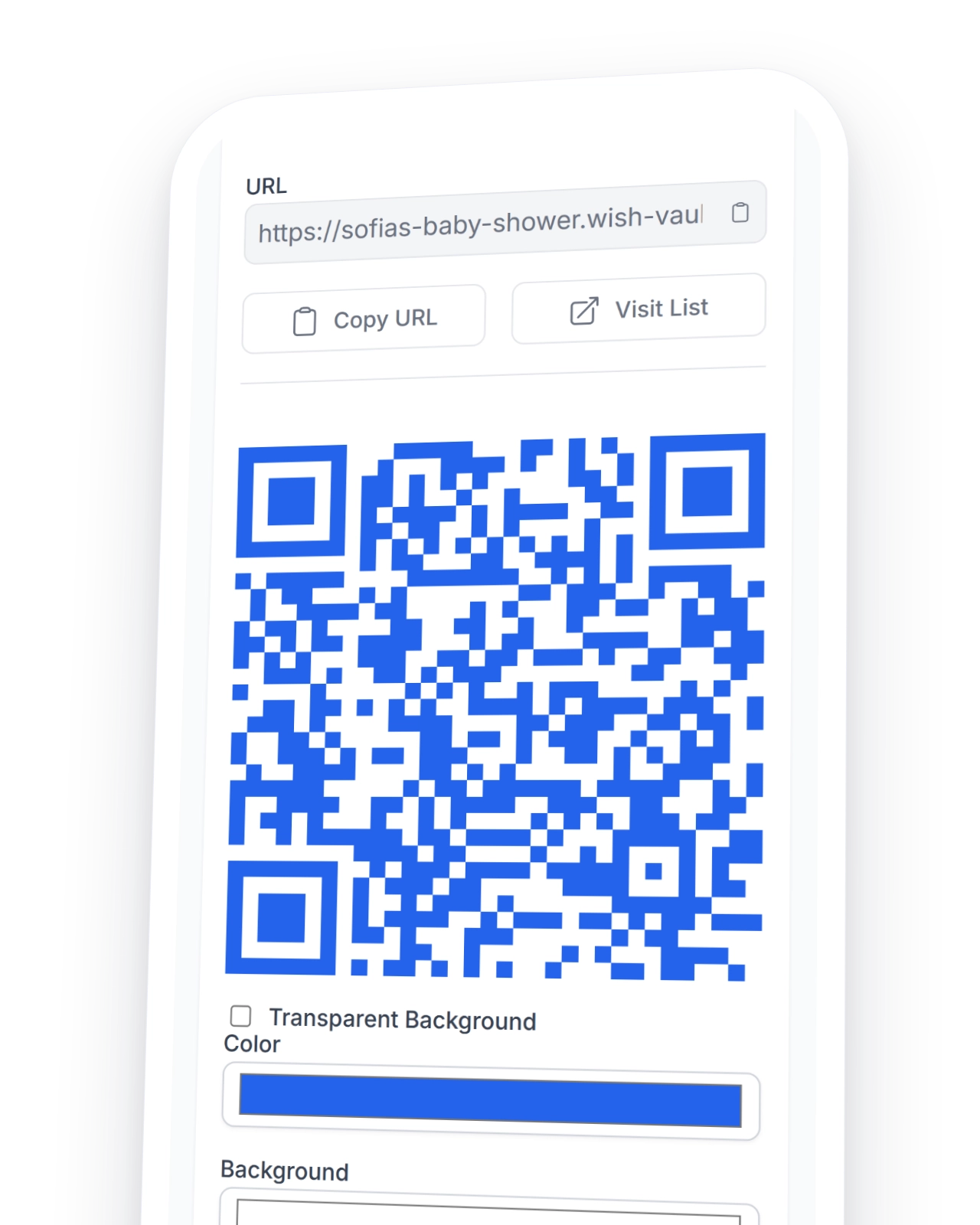
Your list has its own QR code. Put it on the invitation and guests open the list with the phone camera.
No account for guests
Your guests open the link, choose and give. No sign-up and no app to install.
No duplicate gifts
A chosen gift is marked on the list, so nobody gives the same thing twice.
Guests and event in one place
RSVP
Know who is coming. Each guest confirms and tells you how many adults, children and babies come along.
Guest notes
Guests leave a message with the gift. You choose if the notes are public.
Date and place of the event
Put the date, the address and the Google Maps link on your list.
A notice for each gift
Get an e-mail when a guest chooses a gift.
See who chose each gift
The guest list shows every confirmation and every gift, so thank-you notes are easy.
Frequently Asked Questions
Can I add products from any store?
Yes, Wish Vault is compatible with any online store, including giants like Amazon, Walmart, eBay and many others. You can add products from any store to your wishlist, making it a versatile choice for your needs.
Do my guests need to create an account?
No, your guests do not need to create an account to view your gift list or make contributions. They can simply access your list through the link you share and choose how they want to help.
How do I share my list with guests?
In the Share tab, you can copy your list link or generate a QR Code to send to guests via WhatsApp, email, or social media. Your guests don't need an account to view your list or choose a gift.